
Feb 06
So you’ve set the ToolTipText property of a TabPage in a TabControl. When the user moves the mouse pointer over the tab, the text you specified is supposed to show in a tooltip.
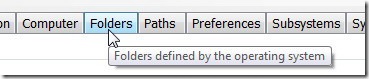
But what if the tooltip is not showing? Fortunately, this problem has an easy solution:
Set the ShowToolTips property in the TabControl to true.
Set the ShowToolTips property in the TabControl to true.????????
Flash news: There is no property called ShowToolTips for TabControl
@ Kunju: Better check your news source, for it is faulty!
http://msdn.microsoft.com/en-us/library/system.windows.forms.tabcontrol.showtooltips.aspx
Great advice. Seems so obvious in retrospect…